Duskfade demo and controller guide for PC
How to find and evaluate the official Duskfade Steam demo, what it includes, confirmed controller support, PC requirements and a practical test checklist.
The official Duskfade demo is a free Windows download on Steam. It contains a condensed first level ending in the Wrath boss fight and supports controllers fully, with gamepad recommended and DualSense support listed by Steam.
Players also search
Choose a query to search this guide hub instantly.
- Category Demo & Controller
- Status Confirmed
- Last checked 2026-08-12
- Game version demo
- Sources 2 listed
What the official demo contains
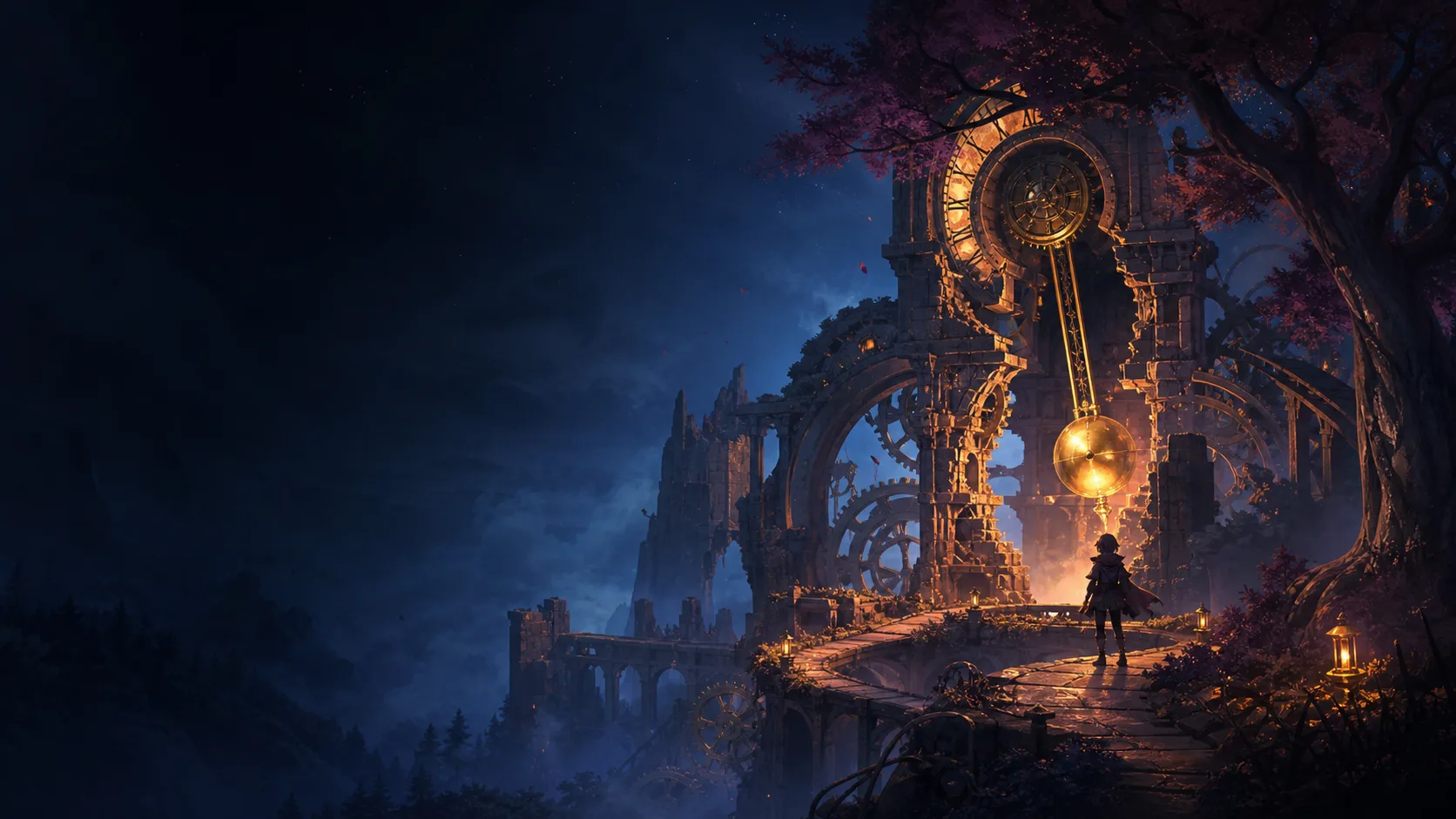
The demo follows Zirian and Cuckoo through a condensed version of the opening level. The Steam page names three types of area—the outskirts of Tick Town, a magical forest and clockpunk ruins—and describes both fast platforming and combat. It also identifies two abilities available in the demo: the explosive Blast Attack and the Grapple. The run culminates in the Wrath boss fight.
The official description does not give a guaranteed playtime. A first run can take longer if you explore, learn the movement timing or repeat the boss, so exact “demo length” claims without a method should be treated as estimates.
Controller support explained
Steam marks the demo with all three of these input facts:
- full controller support;
- gamepad recommended;
- DualSense controller support.
The full game also carries the full-controller tag. This is stronger evidence than a trailer showing a controller, but it still does not guarantee that every third-party pad or custom Steam Input layout will display the correct button glyphs.
Five-minute input check
Before committing to a full run:
- Connect the controller before launching the demo.
- Confirm that the menu, camera, movement and pause screen work without a mouse.
- Test jump and Grapple timing while moving in both directions.
- Check whether button prompts match the connected pad.
- Pause and resume once, then verify that sensitivity and vibration settings persist.
If input is duplicated or a button is missing, test one Steam Input profile at a time. Do not change both an in-game binding and the Steam controller layout simultaneously; that makes the cause harder to isolate.
PC compatibility check
The demo lists Windows 10 64-bit, DirectX 12 and 20 GB storage. Its GPU requirement is higher than the full game’s published minimum: the demo page names an RTX 2060 8 GB or Radeon RX 5700 8 GB at minimum. Follow the demo’s own page when deciding whether the demo build should run.
Use the first area to inspect frame pacing during movement and combat, not only the opening menu. Also test the display resolution you intend to use in the full game. A successful demo run is useful evidence for the same PC, but it cannot guarantee launch-build performance after later patches.
What the demo does not confirm
- The official pages do not confirm save transfer into the full game.
- A fixed completion time is not published.
- Steam Deck compatibility is not the same as controller support and needs its own Valve rating.
- Demo balance and requirements can differ from the final release.
For the wider release, language, achievements and pricing status, use the Duskfade FAQ.
Frequently asked questions
- Where can I download the Duskfade demo?
- Use the separate Duskfade Demo page on Steam, app ID 4023080. It is listed as a free Windows game demo.
- How long is the Duskfade demo?
- The official page defines the scope as a condensed first level ending with Wrath but does not publish a fixed playtime, so completion time will vary.
- Can I play the demo with a controller?
- Yes. Steam marks the demo as full controller support, gamepad recommended and DualSense supported.
- Does demo progress transfer to the full game?
- The checked official pages do not confirm save transfer, so do not assume that progress carries over.
Sources & verification
- Store page Duskfade Demo on Steam accessed 2026-07-31
- Store page Duskfade on Steam accessed 2026-07-31